Create the auction
Add photos, item details, bidding dates, viewing information, and pickup terms.
Place a BestOfferQR sign on the item. Interested buyers inspect it, scan the QR code, review the details, and bid from their phones—without moving the item to a warehouse or committing to a fixed price too early.

BestOfferQR keeps the familiar in-person sale experience and adds the reach, convenience, and competition of timed online bidding.
Add photos, item details, bidding dates, viewing information, and pickup terms.
Each item receives a unique QR code that opens its auction page directly.
Interested buyers can examine the actual item before deciding how much to bid.
Registered bidders can follow the auction and bid from their phones until it closes.
The winning bidder follows the payment and pickup instructions established for the sale.
Use BestOfferQR for the pieces that deserve more exposure or are difficult to price confidently. Your regular sale can continue while interested buyers compete online.
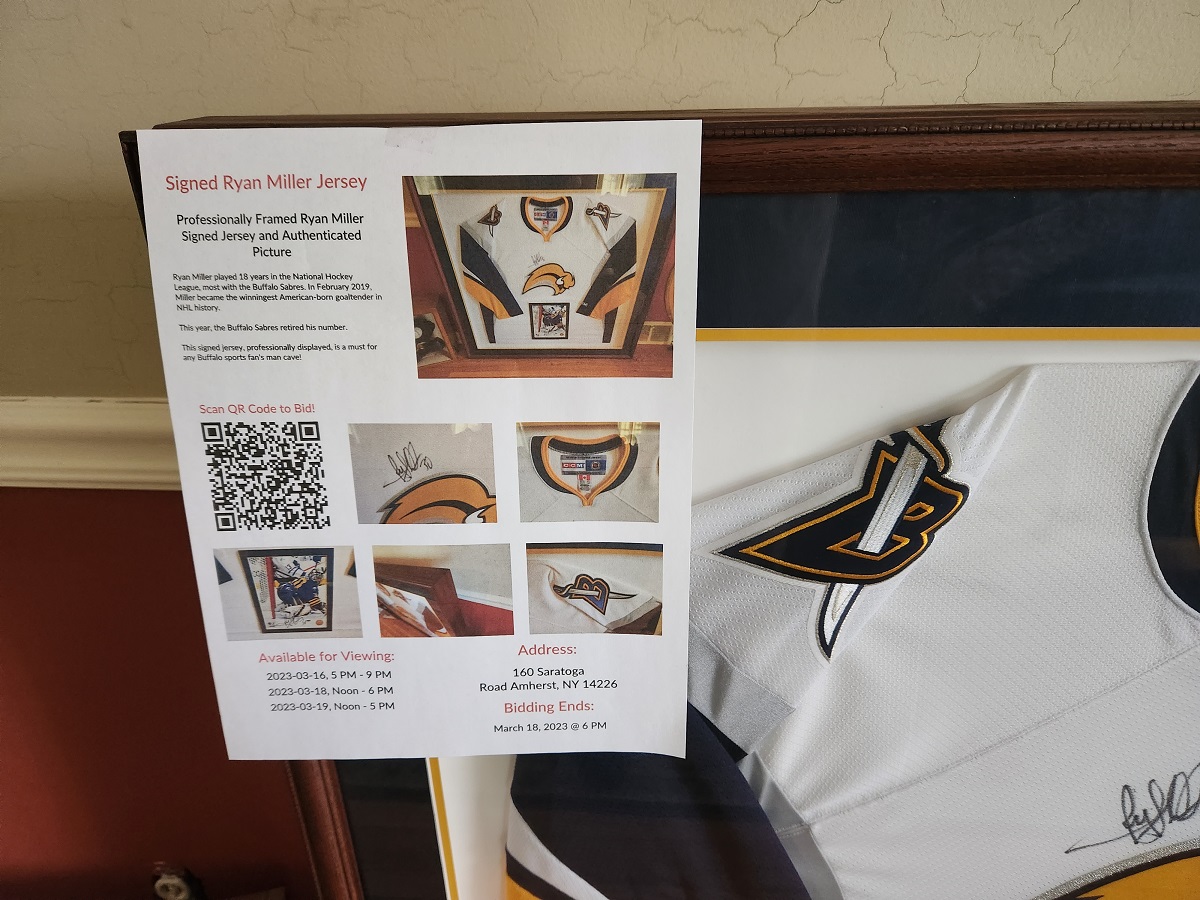
The platform helps sellers present valuable items professionally while giving bidders a clear path from viewing to bidding.
Every sign connects directly to the correct item, reducing searching and confusion during a busy sale.
Bidder registration and phone validation create more accountability than an anonymous interest form.
Notifications help interested buyers stay involved as bidding changes and the auction approaches its end.
Publish the practical information buyers need before they bid, including inspection windows and collection times.
Present a group of related auctions as one estate sale or collection while retaining individual item bidding.
Set a clear close time and use last-minute extensions to reduce the advantage of a final-second bid.
BestOfferQR can help draft a title, description, selling points, and pricing research from the information you provide. The seller reviews the result, corrects any errors, and remains responsible for describing the item accurately.
The strongest use cases combine a valuable physical item, an opportunity to inspect it, and a group of buyers who may value it differently.
Selected furniture, art, jewelry, collections, and unusual household items.
Furniture, equipment, architectural pieces, and other items that are difficult to ship.
Items where condition, provenance, and in-person inspection influence bidder confidence.
Higher-value items that attract serious local interest and benefit from a scheduled viewing.
It opens the auction page for the item in front of the buyer. The page can show photos, details, bidding status, viewing information, and pickup terms.
No dedicated BestOfferQR app is required. Buyers use the web page opened by the QR code and register before placing bids.
Yes. An estate-sale company can continue its normal fixed-price sale and use online bidding only for selected pieces.
Yes. Related items can be organized as one estate sale or collection, with a shareable catalog page and separate bidding for each item.
Those terms should be stated clearly for each sale before bidding begins. Contact BestOfferQR to discuss the workflow that fits your business.
Contact us for current pilot availability and pricing. We can review the number of items, sale format, and support you need.
Show us what you are selling. We can walk through the auction setup, QR signs, bidder experience, and pickup workflow with you.